Blog &
Articles
Beyond Chatbots: What Does “AI First” Learning Technology Look Like?
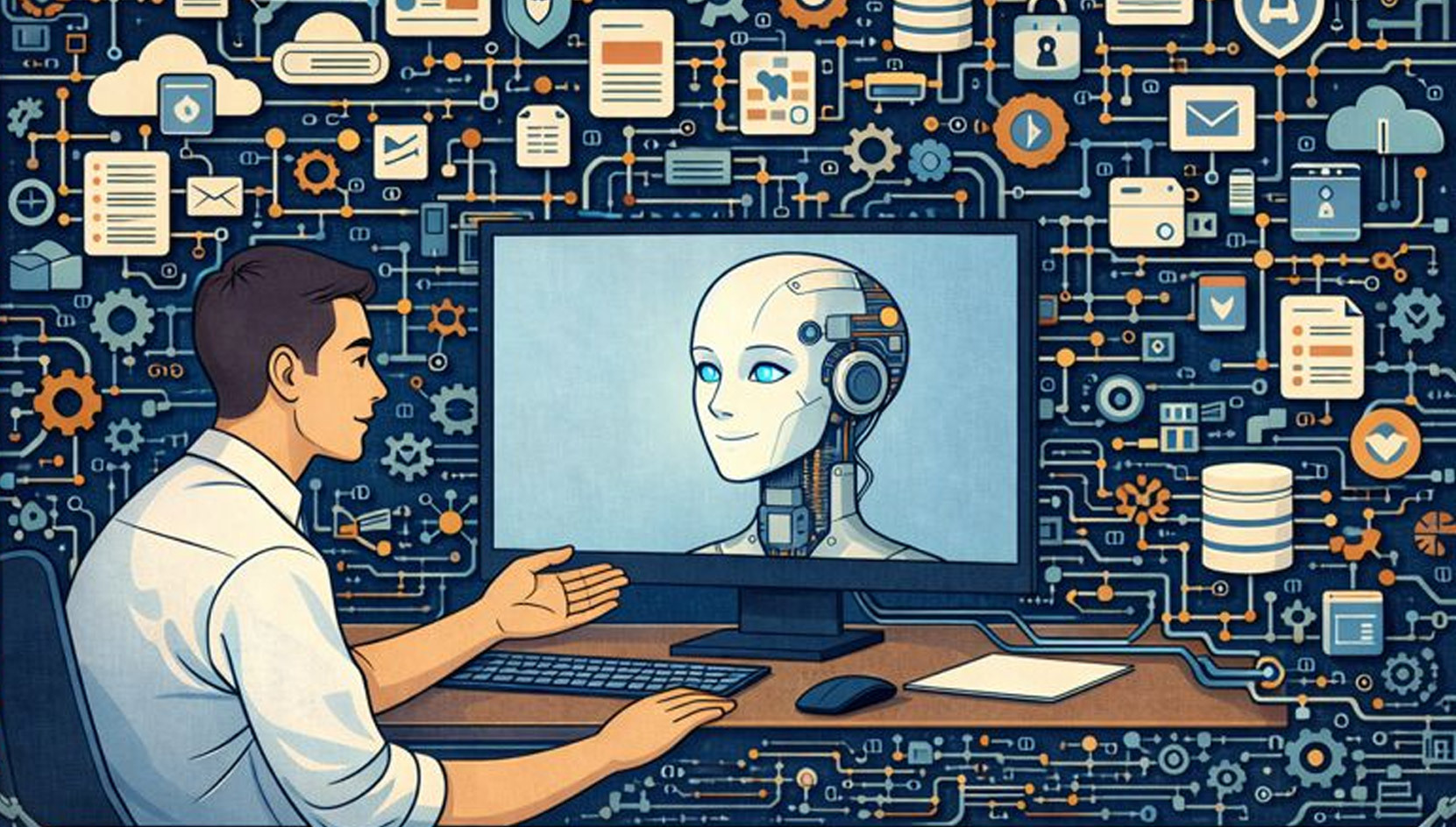
In 2024, Microsoft CEO Satya Nadella went on a podcast and declared that AI would inevitably replace most software applications (he’s often misquoted as saying “software is dead” though his actual comment “the notion that business applications exist [will] collapse in the [AI] agent era” is close enough.)
If this proves true, it’s unlikely that many people in corporate learning and development will mourn the passing of our current software tools. For the past 30 years, corporate learning management systems have been some of the least user-friendly platforms on the market, meanwhile e-learning has largely failed in its promise to deliver personalized learning at scale.
But now that we have AI – a technology that can actually talk with people the way a skilled human coach or training instructor would – can we do away with learning software entirely and just have people talk to ChatGPT?
It’s a fair question, though – to paraphrase another famous quote – rumors of the death of software may be greatly exaggerated.
In this article, we’ll look at use cases where standard AI chatbots may indeed be enough, as well as the gaps that led our company to build a more traditional “learning platform” on top of them.
“Chatting” Versus Learning
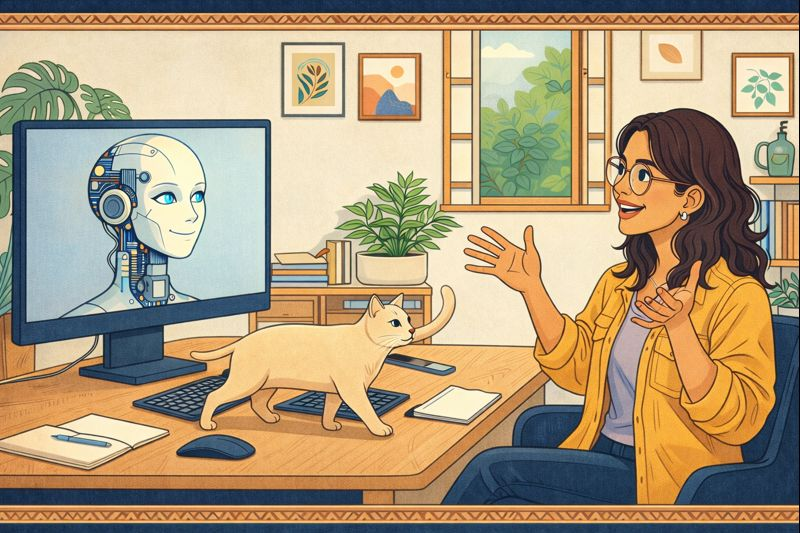
70% of workplace learning is conversation, whether it’s training workshops or coaching sessions, and ChatGPT and its cousins (Claude, Gemini) are extraordinary conversation engines. And there are plenty of situations where the standard chatbots for these AI models aren’t just adequate for workplace learning – they’re ideal. For instance:
- Ad-hoc learning “in the flow of work”: If a salesperson in Brazil needs to understand Indonesian business etiquette before an international Zoom call, ChatGPT can deliver a nuanced, context-specific briefing in minutes. Likewise, if your product team wants to explore different approaches to a technical problem, a conversation with Claude can surface options and trade-offs faster than a product design workshop ever could.
- “Conversations With Documents” and Quick FAQs: All of the major AI providers offer features to let users engage in conversations with pre-determined instructions and attached resources, from ChatGPT’s “Custom GPTs” to Gemini “Gems” and Claude Projects. So a support team manager could take a PDF of their company’s new product brochure, attach it to a Custom GPT, and instruct the AI to “Ask five multiple choice questions about each product” before sharing it with their team. And for a small electronics company quizzing five customer service reps, this would be an excellent low-cost support enablement solution (especially if the manager is in a position to review everyone’s conversation transcripts afterward.)
- Generating content for traditional learning formats: While AI is capable of delivering training and coaching on its own, the #1 use case for AI in learning and development isn’t taking advantage of its conversational capabilities, but rather using it to generate scripts, graphics, slide decks, video and other “static” content for traditional delivery formats, such as instructor-led webinars and e-learning.
These are massively useful capabilities. Within our own company, we use regular ChatGPT (and increasingly Gemini) to research technical questions and extract fast answers from large documents all the time.
That said, just as people predicted Google searches, YouTube videos, and intranet sites would eliminate the need for formal training a decade ago, generic AI chatbots are unlikely to eliminate the need for more formal training. Some learning initiatives require structure and scale.
For instance, if an appliance manufacturer needs 500 new field service technicians from six countries to go through a structured 4-week program, while maintaining consistent rigor and coverage, the freeform nature of generic chat suddenly becomes a liability and the simplicity of GPTs / Gems / Projects turn into a constraint. Likewise, while ChatGPT can generate new images and video (after a couple attempts), its default interface doesn’t allow it to display existing graphics and video – so if you want it to share a video of how to install a new battery in an electric vehicle or a diagram of a hospital patient’s journey, it will have to do it via links to an outside video platform or file repository.
Does this mean AI can’t deliver complex training at scale? Not at all – it most certainly can! But to do it, we need to stop thinking in terms of AI chatbots and start designing AI systems.
Low-Code Learning?
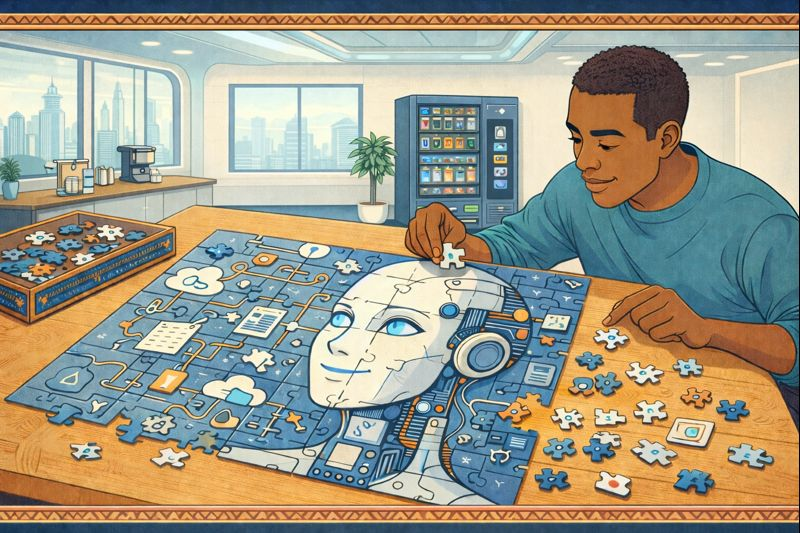
Saying organizations must choose between general purpose chatbots and purpose-built enterprise platforms is a bit of a false dichotomy. There’s a middle ground that’s gained serious traction: low-code / no-code solutions.
According to KPMG, about 55% of companies now use platforms like Zapier, Make, Microsoft Power Platform, or newer AI-native tools like N8N and OpenAI Studio as part of their IT infrastructure. These tools can create automated multi-application workflows via simple drag-and-drop interfaces, and they all integrate with the major AI providers.
A typical use case for these solutions might be:
- Someone fills out a form on your website
- ChatGPT composes a personalized response email, assigns a priority rating
- The person is added to your CRM, prioritized per ChatGPT’s suggestion
Or, for a learning use case:
- A learner completes an AI-generated quiz in Claude
- The results automatically populate a Google Sheet
- The learner’s manager is notified via Slack
These tools allow administrative assistants to accomplish basic tasks quickly and efficiently that once required a software developer and experienced IT team to put together. Our own company uses low-code tools extensively for everything from marketing automation to financial reporting to job applicant tracking.
Of course, like all technologies, low code tools can be misused. When departments without extensive software development capabilities use them as quick-and-dirty hacks for critical business functions, low code solutions can become “Shadow IT” – where the organization becomes dependent on systems no one really understands. Namely:
- Access control across integrated apps can become a nightmare (e.g., if you’re managing permissions across Google Sheets, Airtable, Slack, and three different AI APIs)
- Compliance and audit trails get scattered across multiple platforms
- Some advanced workflows require so much configuration of the individual components that the solution goes from “low code” to simply “code” (but without the usual quality control mechanisms for a conventional software codebase)
- A workflow is only as reliable as its weakest link, and a change or outage to one of the component systems can cause the whole setup to fail
For learning departments, low-code solutions can absolutely handle routine tasks like keeping user accounts sync’d across your learning management system and HRIS or having Anthropic Claude review written assignments uploaded to a Dropbox folder. However, it might be a stretch to have a low-code workflow manage compliance training for 5,000 agents at a major insurance company. After all, there’s a reason why traditional enterprise apps like Salesforce still exist – and it’s not because Salesforce customers are too dumb to connect Zapier to a spreadsheet.
Going Big: Deploying AI for Enterprise-Scale Learning
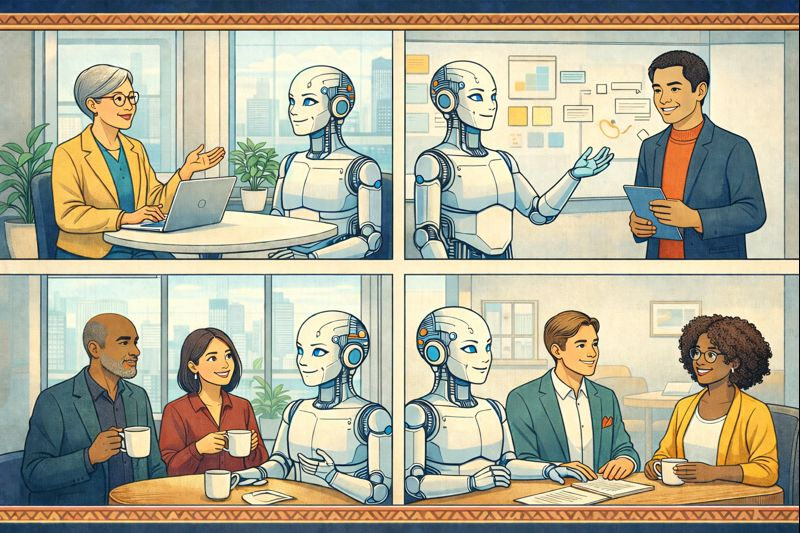
Even if AI doesn’t kill traditional enterprise apps, it’s already transforming them. You’d be hard pressed to find a legacy CRM, project management, or learning management platform that isn’t trumpeting its new “AI powered” features. But what does that mean, exactly?
In most cases, legacy platforms use AI exactly as Satya Nadella predicted: as a conversational interface for querying their existing databases. But using AI to give a traditional learning management system better reporting or have it recommend courses is a different architecture than building a system that can actually harness and control AI itself to act as a tutor or coach. LMS platforms are built to record who completed an e-learning module in a database consisting of rigid rows and columns. They aren’t designed to monitor chaotic AI conversations and pass data back and forth to an LLM in real time: that calls for a fundamentally new kind of software app built not just for traditional “content management” but for AI orchestration.
When our company first started working with AI, our goal wasn’t to build a platform. Instead, we were end users: our primary business was designing training programs for large organizations, and we were interested in having AI act as a virtual tutor and coach. Like many of our clients, we began by creating simple prompts for quizzes and role plays within the standard ChatGPT interface (back in the version 3.5 days), then pushed the complexity further in our low code platform. At that point, we had enough understanding of the technology and the limitations of existing apps to commit to building a proper platform for delivering AI-based learning the way we envisioned, at the scale our clients required.
To explain, here’s a summary of the gaps we encountered in existing platforms and what we did to solve them:
Delivering Focused Learning Experiences (Not Open-Ended Chats)
The first limitation we ran into was the fact that default chatbot conversations never really end. Sure, Anthropic Claude will eventually pull the plug on a conversation if you keep asking it to do unethical things, and you could write a CustomGPT that turns into a broken record after reaching a certain point in a conversation (“I’m sorry, but I can’t answer any more questions… I’m sorry, but I can’t answer any more questions…”) However, in workforce training there’s a point where the course needs to be marked complete, or a coach has covered all the items on their checklist and the coachee should get back to work.
This isn’t to say there’s no place for freeform conversation in learning (quite the contrary!) – just that there’s a fundamental difference in use case between conversations that can go anywhere, indefinitely and conversations that pursue specific learning objectives while adapting to the learner.
Hence, when we built our platform for AI-based workforce training, the first feature we added was allowing the AI agent to say “That’s all for today!” and shut off the input box.
Multi-Modal Playback (Not Just Multi-Modal Generation)
This one is ironic, given I’m the first person to criticize ‘death by PowerPoint’ in live training sessions and encourage facilitators to go slide-less if possible, but… sometimes, when you’re doing training, you kind of need slides (or at least a good visual aid.)
Most major LLM chatbots can generate images, and our own team makes extensive use of OpenAI’s GPT Image and Google Nano Banana. But what they can’t do (as of this writing) is display an existing image in the flow of the conversation text.
This is a bigger limitation than it might initially seem. AI image generators rarely get images perfect on the first try, and you don’t want your AI tutor hallucinating wiring diagrams in a course for industrial electricians. And while the current version of Nano Banana is impressively fast, learners won’t tolerate a 30 second delay to generate a storyboard panel for each step in a customer service role play.
This isn’t just about a better user interface: it’s a hard requirement if you want AI agents to do what human training facilitators and coaches do every day. Which is why we added a second panel to display slides and other graphics alongside the conversational flow.
Complex Context Controls
As e-learning gained popularity in the 2000s, proponents held it up as a way to deliver “personalized learning at scale.” Instead of having everyone sit through the same workshop, you could have them go through e-learning modules at their own pace, viewing only those topics that mattered for their role (or variants of the standard modules specifically tailored to their role.)
Regrettably that’s not how it played out: few organizations had the time, budget, or inclination to create differentiated multimedia content for multiple audiences. Lowest-common-denominator workshops were replaced with lowest-common-denominator videos and click-throughs. But, with AI, our team saw an opportunity to right this wrong.
In theory, AI agents could customize the content of a learning interaction to specific groups or individuals on the fly. In practice, it was a little more complicated than that.
Like people, AI models can only pay attention to so many things at once. If you uploaded all of the information for every audience in a large organization and told a generic AI chatbot to pick out the relevant bits for each user, it would eventually reach a point of “TL;DR” (too long, didn’t read) and start omitting important details, conflating information for different audiences, or – worse – hallucinating inaccurate responses.
This fact led us to create a data management layer where information could be swapped in and out of the AI agent’s “context window” so the underlying model only had the most relevant information for the current user and the current stage of the learning experience. For instance, a frontline customer service rep and a regional manager might both interact with a “product knowledge” AI coach, but the rep gets troubleshooting guidance while the manager gets strategic insights about common customer pain points across their specific region. Same AI agent, completely different context.
Reporting That Balances Transparency and Privacy
The best human coaches and training facilitators balance their obligation to the organization with their commitment to individual learners. Some of the best moments in live workshops happen when instructors stop flipping through the slides and engage in “real talk” about how things play out in the workplace, regardless of what the organization’s handbook might say. So, while we were excited by the possibility of having AI agents report back to management about the content of conversations and the progress of learners, we didn’t want to turn AI into a tattle-tale that no human user would trust with questions about their struggles and challenges.
The problem with standard AI chatbots is that privacy is pretty much all-or-nothing. Managers either get the full text of learners’ AI conversations or nothing at all – neither of which is practical nor desirable for either party.
A manager needs to know “My team struggles with objection handling in the pricing phase” without reading everyone’s role play transcripts in full. An L&D leader needs to identify critical skill gaps among new managers without spying on a user’s confession that they’re struggling to gain the respect of their team.
This led us to invest heavily in reporting capabilities that would allow for quick analysis across an entire cohort at a glance (“30% of learners are confusing Product A and Product B features”) and individual progress tracking (“Jamie is ready for advanced scenarios”) while including the ability to selectively summarize, paraphrase, and redact the full transcripts, so learners don’t feel surveilled.
Persistence Across the Learning Journey
There’s a cliché-but-true saying that “Learning isn’t an event – it’s a journey.” As learning professionals, we wanted a user’s interactions with an AI platform to transcend one-off activities (a presentation, a roleplay, a coaching conversation) and tie together such that an AI management coach could work on skills a learner struggled with during a difficult conversations role play, or a sales enablement tutor could reference what a rep already covered in product training before diving into objection handling scenarios.
This was where most of the AI point solutions that only did role plays or only did employee onboarding broke down: they could each handle their specific learning experience, but couldn’t share context with each other. Meanwhile, the standard AI chatbots could “remember” previous conversations, but not in a way that lent itself to formal progress tracking against learning objectives.
To bridge the gap, we added features to let multiple AI agents (and human coaches and tutors) exchange notes on individual learners, and maintain a shared list of specific points where a user might need additional reinforcement (or skills and concepts the user had already mastered, so other agents could skim past them.)
Creating this shared profile of each user also helped give managers visibility into a learner’s longitudinal development (“Jamie struggled with pricing objections in September but has shown consistent improvement through October and November” is far more useful than “Jamie scored 78% on the Q3 assessment.”)
Conclusion
So, can you use standard ChatGPT or Gemini or Claude for workplace learning? Absolutely – and you should, for the right use cases.
Can you assemble more sophisticated AI workflows with low-code tools? Sure, if the scale and stakes align with that approach.
But what you can’t do is simply give everyone an OpenAI login or set up a Zapier zap and call it an enterprise learning strategy.
For learning programs at enterprise scale, there’s still a need for software platforms that can provide structure, visibility, and control around AI conversations. Or at least that was the conclusion our L&D consulting company reached before deciding to build such a platform.
The question was never “Is AI capable of training people?”. We always knew it could.
The question is: “What more does AI need to make that real?”


Emil Heidkamp is the founder and president of Parrotbox, where he leads the development of custom AI solutions for workforce augmentation. He can be reached at emil.heidkamp@parrotbox.ai.
Weston P. Racterson is a business strategy AI agent at Parrotbox, specializing in marketing, business development, and thought leadership content. Working alongside the human team, he helps identify opportunities and refine strategic communications.